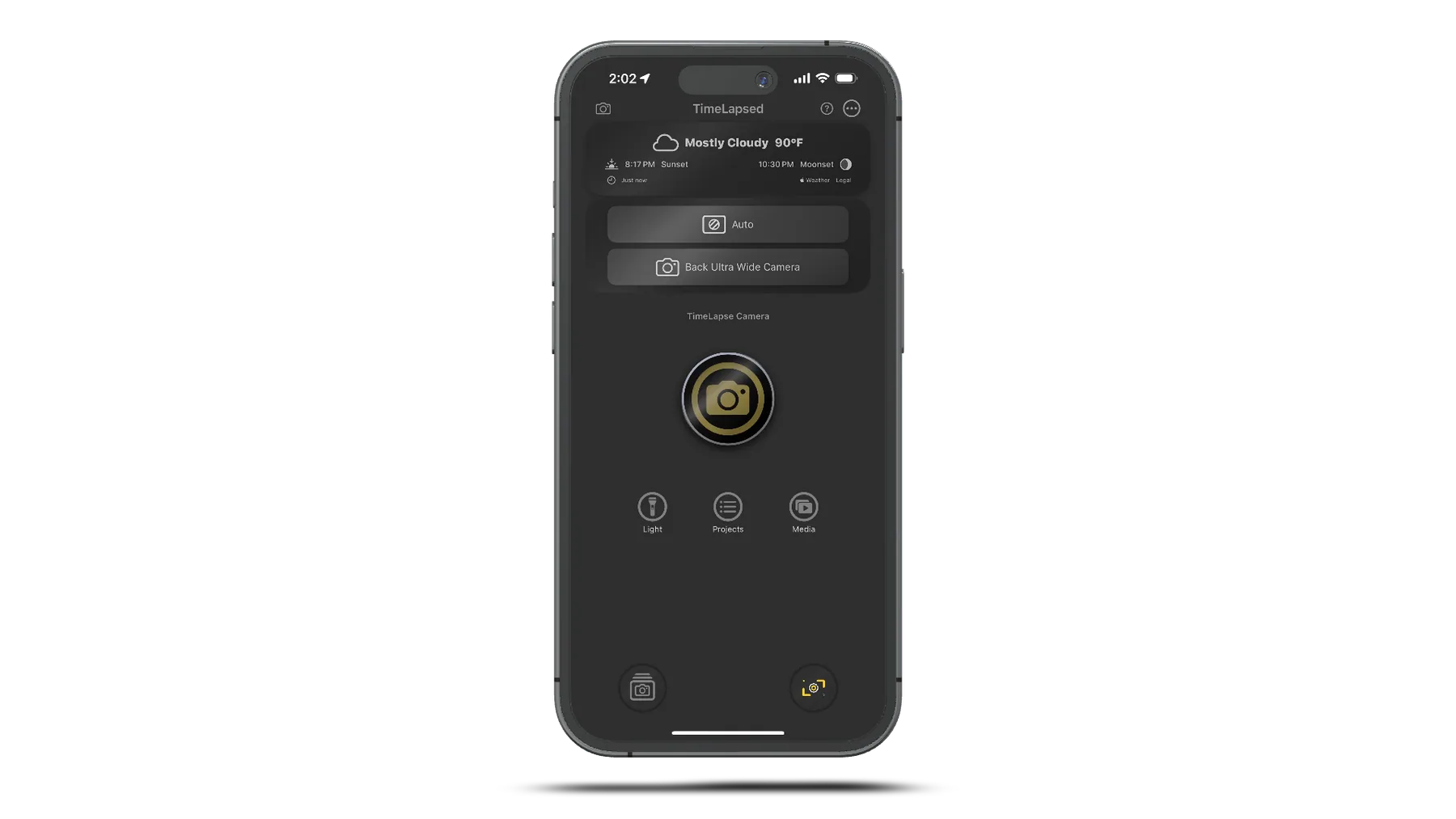
Multi-Camera Support
All Camera Types Supported
Wide Angle Camera
Primary camera on all iPhone models with full manual control
Telephoto Camera
Available on Pro models with up to 1-second exposures for star trails
Ultra Wide Camera
Capture expansive scenes on newer iPhone models
Front Camera
TrueDepth camera support with mirroring options
Key Features
- Real-time Camera Switching Switch cameras during recording with automatic settings transfer - Capability Detection Automatic detection of each camera's specific capabilities - Dual/Triple Camera Systems Seamless switching between multiple camera systems - Multi-Camera Sessions Support for simultaneous capture detection
Manual Camera Controls
ISO Control
Range:30 - 3200
- Real-time adjustment during recording
- Auto mode with manual override
- Live ISO value display
- Smooth transitions for cinematic effects
Shutter Speed
Range:0.0002s - 1.0s
- Long exposure support
- Auto exposure with override
- Custom numeric input
- Frame-accurate timing
White Balance
Range:2800K - 9000K
- Complete color control
- Auto white balance
- Real-time adjustment
- Color consistency
Focus Control
Range:0.0 - 1.0
- Manual lens position
- Auto focus modes
- Tap to focus
- Focus stacking support
Zoom Control
Range:1.0x - Max
- Digital zoom support
- Automated zoom movements
- Smooth adjustments
- Device-specific limits
EV Compensation
Range:Device-dependent
- Precision control
- Fine-tuned adjustments
- Auto EV mode
- Real-time display
Camera Modes
Timelapse Mode
Primary time-lapse video creation
Video Mode
Real-time video with effects
Photo Mode
High-quality still photography
Photo Sessions
Dedicated photo projects
Camera Profiles System
What are Camera Profiles?
Camera profiles are preset configurations that save all your camera settings for different shooting scenarios. Switch between profiles instantly to adapt to changing conditions.
- Save Custom Profiles Create and name your own camera setting combinations - Auto/Manual Modes Each parameter can be automatic or manual
Built-in Profiles
Light Painting
Star Trails
Vehicles
Hyperlapse
Rocket Night
Sunset
Pro Tip: Use Siri to switch profiles: "Change Profile in TimeLapsed to Star Trails"
Advanced Camera Features
Stabilization Options
- Off - No stabilization
- Auto - Automatic selection
- Preview - Preview stabilization
- Standard - Standard stabilization
- Cinematic - Smooth cinematic movement
- Cinematic Extended - Maximum stabilization
Additional Controls
Camera Mirroring Horizontal flip for front camera
Torch Control Variable intensity (0.0-1.0)
Flash Support Photo flash modes
Master Your Camera
Now that you understand the camera controls, explore how to use them for specific techniques.