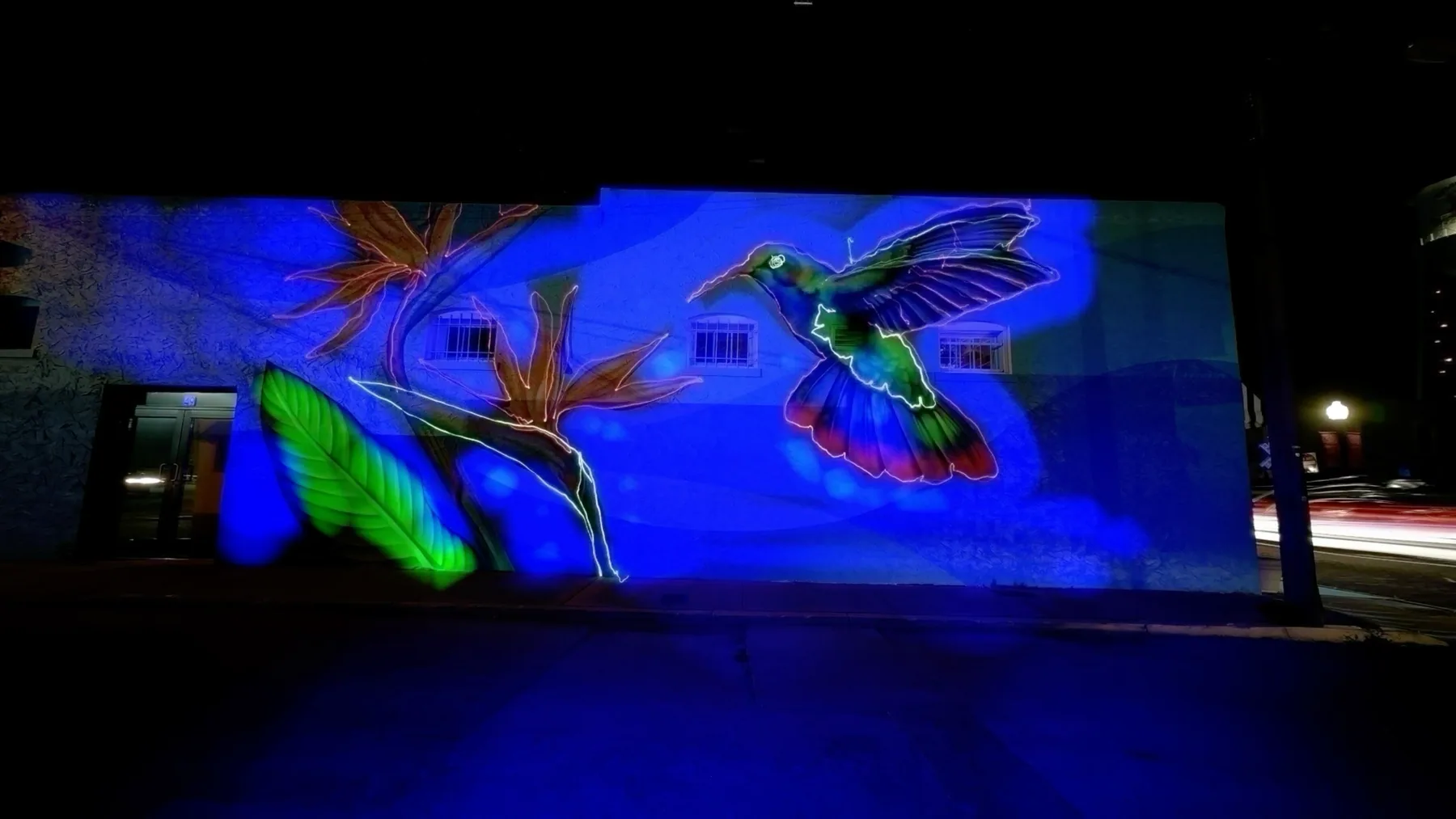
Introduction to Light Painting
Create stunning visual effects in real-time
Light painting is a photographic technique where you use light sources to "paint" or draw within a scene while the camera captures a long exposure. Traditionally, this required a DSLR camera, tripod, and extensive post-processing.
With TimeLapsed App, you can create professional light paintings directly on your iPhone, without the need for expensive equipment or post-processing software. The app uses powerful frame blending technology to capture and blend light trails in real-time, allowing you to see your creation as it develops.
Whether you're a photography enthusiast or just looking to create something unique for social media, TimeLapsed App makes light painting accessible to everyone with an iPhone.
What You Can Create
With TimeLapsed App's light painting features, you can create light trails, write with light, capture vehicle light trails, star trails, and more - all directly on your iPhone with instant results you can share immediately.
Key Light Painting Features
What makes TimeLapsed App perfect for light painting
iPhone Light Painting
Create mind-blowing light paintings with super high quality and wide angles. Low power consumption lets you capture light trails for hours on a single charge.
Light Painting Profiles
Ready-to-use professional profiles for light painting in different environments. Save your own custom profiles for later sessions or share them with friends.
Powerful Metal Rendering
Using Metal rendering technology, TimeLapsed App leverages the GPU for enhanced performance and battery efficiency, enabling advanced frame blending for stunning light painting effects.
Professional-grade results
Light Painting Tutorial Video
Watch and learn light painting techniques step by step
Watch this comprehensive tutorial video to learn the fundamentals of light painting with TimeLapsed App. This landscape format video covers essential techniques, tips, and creative approaches for creating stunning light paintings.
TimeLapsed Light Painting Tutorial
This tutorial covers camera setup, light painting techniques, frame blending modes, and creative tips for achieving professional results
Pro Tip
Watch the tutorial first to understand the basics, then practice with the techniques shown in the example videos below. Start with simple light sources like flashlights or phone lights before moving to more complex setups.
Light Painting Techniques
Master these techniques to create stunning light paintings
Writing with Light
Use small LED lights or flashlights to "write" or draw patterns in the air. Move the light source in a controlled manner to create letters, shapes, or designs. With TimeLapsed App, you can see your creation develop in real-time on screen.
Steel Wool Spinning
For more dramatic effects, burning steel wool (used with proper safety precautions) can create spectacular shower-like sparks. Mount your iPhone on a tripod at a safe distance and use TimeLapsed App's frame blending to capture the entire display.
Vehicle Light Trails
Position your iPhone on a tripod overlooking a road or highway and use TimeLapsed App to capture stunning light trails from passing vehicles. The app's frame blending will create smooth, continuous light streams.
Physiogram Patterns
Create beautiful, symmetrical patterns by hanging a small light from a string and setting it in motion like a pendulum. TimeLapsed App will blend the swinging light into mesmerizing patterns.
Pro Tip
For best results, work in a dark environment with minimal ambient light. This will make your light sources stand out more dramatically against the background.
Light Painting Examples
Inspiration for your own light painting creations
Here are some examples of what you can create with TimeLapsed App's light painting features. These images and videos were created directly on an iPhone without any post-processing.
Light Painting Videos
Watch these amazing light painting timelapses captured with TimeLapsed:
Creative Light Painting
Artistic light painting techniques with colorful trails and dynamic movements
Playground Light Painting
Light painting in a playground setting showcasing movement and creativity
Bridge Light Painting
Unique light painting effects on a bridge structure with interesting patterns
Fun Light Effects
Playful and creative light painting techniques
Light Painting Photos
Share Your Creations
With TimeLapsed App, you can instantly share your light paintings to social media or save them to your camera roll. Tag your creations with \#TimeLapsedApp to be featured on our social channels.
Related Guides & Resources
Frame Blending Guide
Learn advanced frame blending techniques for creative effects
iPhone Timelapse Guide
Create stunning timelapses with your iPhone camera
Timelapse Profiles
Discover pre-configured profiles for different scenes