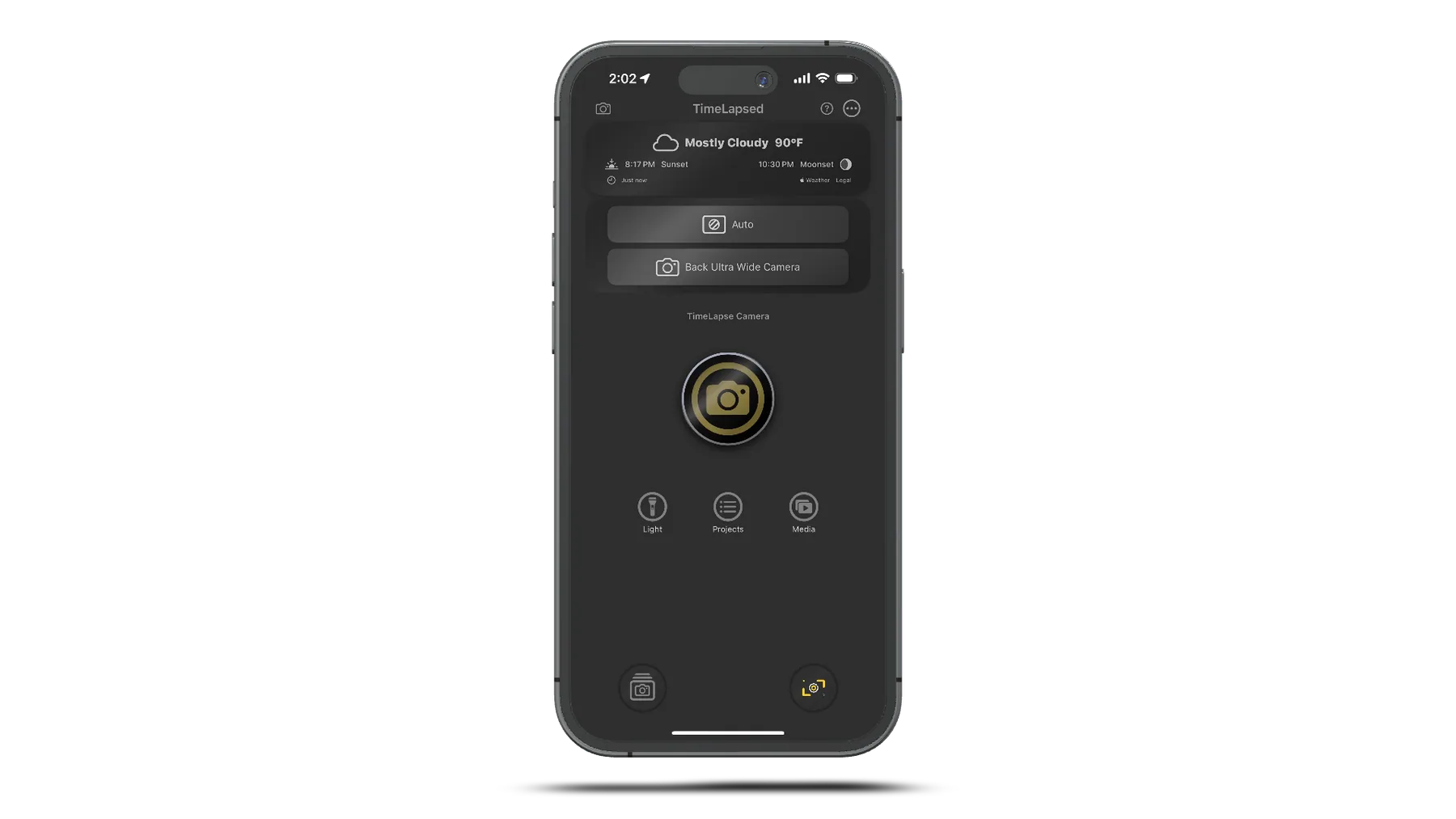
Camera Settings Mastery
Mastering camera settings is crucial for professional timelapse results. While modern iPhones offer excellent automatic modes, understanding manual controls unlocks creative possibilities and ensures consistent results across challenging conditions.
Exposure Mastery
Manual vs Automatic Exposure
When to Use Manual:
- Consistent Lighting: Indoor, studio, or controlled environments
- Creative Control: Specific mood or aesthetic goals
- Challenging Conditions: High contrast or mixed lighting
- Professional Projects: Commercial or artistic work
- Long Sequences: Avoiding exposure changes mid-shoot
When to Use Auto:
- Changing Conditions: Day-to-night transitions
- Unpredictable Lighting: Weather changes, clouds
- Documentary Style: Natural, adaptive exposure
- Beginner Projects: Learning and experimentation
- Quick Captures: Spontaneous opportunities
Exposure Lock Techniques
How to Lock Exposure:
- 1.Tap and hold on your subject in the camera app
- 2.Wait for "AE/AF LOCK" to appear
- 3.Adjust exposure using the sun slider if needed
- 4.Start your timelapse recording
- 5.Monitor for blown highlights or blocked shadows
Advanced Lock Strategies:
- Meter for Highlights: Protect bright areas
- Meter for Shadows: Retain detail in dark areas
- 18% Gray Method: Find neutral tone to meter
- Spot Metering: Focus on key subject area
- Histogram Monitoring: Use TimeLapsed app tools
Focus Control
Focus Strategies
Single Point Focus
- Tap to focus on main subject
- Lock focus for consistent sharpness
- Best for stationary subjects
- Prevents focus hunting
Hyperfocal Distance
- Focus at infinity for landscapes
- Maximize depth of field
- Use apps to calculate distance
- Ideal for wide shots
Continuous Autofocus
- For moving subjects
- Tracks focus automatically
- Can cause unwanted changes
- Monitor carefully during recording
Depth of Field Considerations
Portrait Mode Effects:
- Shallow DOF: Subject isolation and bokeh
- Portrait Mode: Computational depth effects
- Telephoto Lens: Natural compression and blur
- Close Distance: Closer subjects = shallower DOF
Landscape Considerations:
- Deep DOF: Everything in sharp focus
- Wide Angle: Naturally deeper depth of field
- Distant Focus: Infinity focus for horizons
- Hyperfocal: Optimize near and far sharpness
White Balance & Color
Color Temperature Control
Common Color Temperatures:
- Candle Light: 1900K (very warm)
- Tungsten: 3200K (warm)
- Fluorescent: 4000K (cool white)
- Daylight: 5600K (neutral)
- Cloudy: 6500K (cool)
- Shade: 7500K (very cool)
When to Lock White Balance:
- Mixed Lighting: Prevent color shifts
- Creative Mood: Maintain specific color feel
- Consistent Look: Professional uniformity
- Changing Conditions: Sunset/sunrise sequences
- Artificial Lighting: Studio or indoor work
Creative Color Techniques
Warm vs Cool Palettes:
- Warm (3200K): Cozy, intimate, nostalgic
- Cool (7000K): Modern, clinical, dramatic
- Mixed Temperature: Dynamic contrast
- Time-based Shifts: Follow natural progression
Filter Effects:
- Vivid: Enhanced saturation and contrast
- Dramatic: High contrast with deep shadows
- Rich Contrast: Cinematic color grading
- None: Natural, unprocessed look
iPhone-Specific Camera Features
Advanced iPhone Settings
Night Mode
- Automatically activates in low light
- Can be manually controlled
- Creates longer exposure times
- May affect timelapse timing
- Best disabled for consistent intervals
ProRAW & ProRes
- Maximum quality and flexibility
- Larger file sizes
- Extended color grading options
- Professional post-production
- Requires compatible editing software
Multiple Lenses
- Ultra-wide: 0.5x, dramatic perspective
- Wide: 1x, standard field of view
- Telephoto: 2x-5x, compression effects
- Each lens has different characteristics
- Choose based on creative vision
Camera App Settings
Essential Settings to Configure:
- Preserve Settings: Keep your manual adjustments
- Grid Lines: Rule of thirds and composition
- Level: Horizon line alignment
- Formats: High Efficiency vs Most Compatible
- Record Video: 4K at 24/30/60fps options
Performance Optimizations:
- Auto Low Light FPS: Disable for consistency
- Lock Camera: Prevent accidental changes
- Mirror Front Camera: Personal preference
- Smart HDR: Consider disabling for manual control
- Scene Detection: May interfere with manual settings
Resolution & Quality Settings
Video Resolution Guide
Resolution Options:
- 4K (3840×2160): Maximum quality, large files
- 1080p (1920×1080): High quality, manageable size
- 720p (1280×720): Smaller files, faster processing
- ProRes 4K: Professional codec, massive files
- HEVC vs H.264: Compression efficiency comparison
Frame Rate Considerations:
- 24fps: Cinematic look, film-like motion
- 30fps: Standard video, smooth playback
- 60fps: Ultra-smooth, sports/action
- Higher fps: Better for slow-motion effects
- Storage Impact: Higher fps = larger files
TimeLapsed App Camera Controls
Professional Controls
- Manual exposure with live histogram
- Focus peaking for critical sharpness
- White balance adjustment with Kelvin values
- ISO and shutter speed control
- Real-time camera settings overlay
Smart Features
- Scene analysis for optimal settings
- Automatic exposure ramping
- Motion detection for adaptive intervals
- Lens switching during recording
- Custom preset saving and recall
Settings for Common Scenarios
Sunrise/Sunset Timelapses
Exposure:
Manual lock on horizon
Focus:
Infinity lock
White Balance:
Auto or 5600K
Resolution:
4K 24fps
Urban Night Scenes
Exposure:
Manual, protect highlights
Focus:
Lock on key subject
White Balance:
3200K (tungsten)
Resolution:
4K 30fps
Plant Growth Documentation
Exposure:
Manual, consistent lighting
Focus:
Manual on plant
White Balance:
5000K (daylight LED)
Resolution:
1080p 24fps
Common Camera Setting Issues
My timelapse keeps changing exposure"
Solutions:
- Lock exposure by tapping and holding on screen
- Disable auto-HDR and scene detection
- Use manual mode in TimeLapsed app
- Avoid scenes with dramatic lighting changes
Colors look unnatural or shift during recording"
Solutions:
- Lock white balance to specific color temperature
- Avoid mixed lighting sources when possible
- Use custom white balance for unusual lighting
- Shoot in ProRAW for maximum color correction flexibility
Settings Dialed In? Master Composition
With camera settings mastered, explore composition techniques to create visually stunning and compelling timelapses.