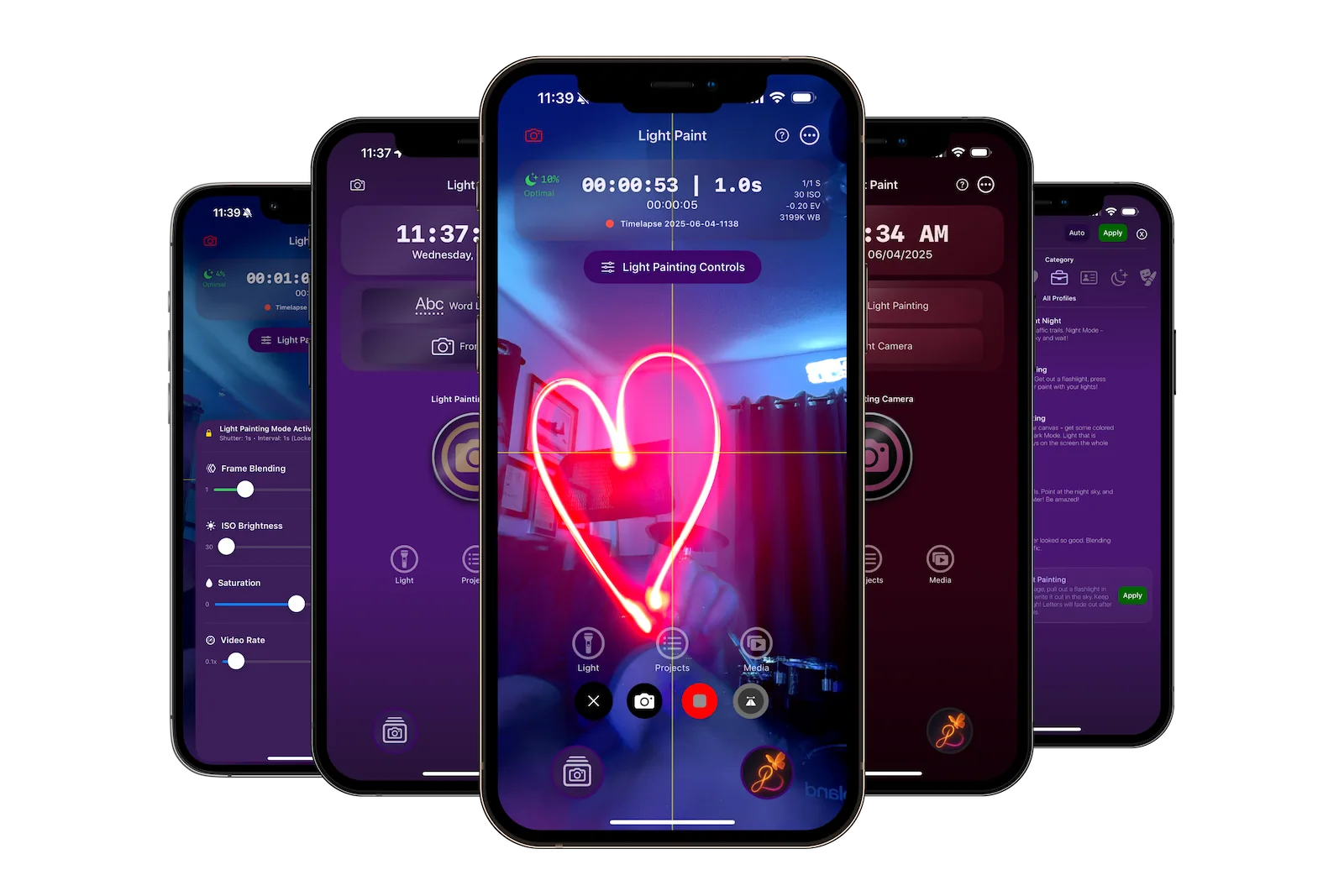
About This Manual
This comprehensive user manual covers every aspect of Light Paint App, from basic operation to advanced techniques. Whether you're a beginner or an experienced user, you'll find detailed information about every feature.
What's Inside:
- Complete feature documentation
- Step-by-step instructions
- Pro tips and best practices
- Technical details for advanced users
Key Features
- Real-time light trail effects
- Professional camera controls
- GPU-accelerated rendering
- Comprehensive profile system
- Siri voice control
Navigation Tips:
- Click any section to explore in detail
- Use the back button to return here
- Each section has sub-topics
Light Paint App Overview
Light Paint is a specialized iOS app for light painting photography and creative long-exposure effects. Built with cutting-edge Metal GPU acceleration and optimized for real-time light trail effects, Light Paint transforms your iPhone into a professional light painting camera.
Complete Table of Contents
Explore every feature and capability of Light Paint App
Getting Started
System requirements, first launch, permissions, and basic workflow
Topics Covered:
System RequirementsFirst LaunchPermissionsBasic Workflow
Read Section
App Navigation
Understanding the interface, menus, navigation patterns, and UI layers
Topics Covered:
Main InterfaceNavigation MenuUI LayersZ-Index System
Read Section
Camera Controls
Complete guide to camera interface, controls, gestures, and recording options
Topics Covered:
Camera ViewsControl WidgetsGesture ControlsRecording Options
Read Section
Light Painting Features
Rendering engine, real-time effects, blending modes, and performance
Topics Covered:
Metal ShadersBlending ModesLive PreviewPerformance
Read Section
Settings & Configuration
General settings, camera defaults, timelapse settings, and export options
Topics Covered:
General SettingsCamera SettingsVideo ExportPerformance
Read Section
Profiles & Presets
Profile system, preset categories, customization, and management
Topics Covered:
Preset ProfilesCategoriesCustomizationQuick Launch
Read Section
Media Management
Organization, export options, sharing, and project management
Topics Covered:
OrganizationExport FormatsSharingProjects
Read Section
Siri Integration
Voice commands, shortcuts, automation, and hands-free control
Topics Covered:
Voice CommandsShortcuts AppAutomationPrivacy
Read Section
Technical Architecture
Core technologies, frameworks, patterns, and build configuration
Topics Covered:
FrameworksArchitectureMetal PipelineMemory Management
Read Section
Troubleshooting
Common issues, performance optimization, and getting help
Topics Covered:
Common IssuesPerformance TipsGetting HelpContact Support
Read Section
Quick Reference
System Requirements
- iOS 16.6 or later
- iPhone 11 or newer
- Sufficient storage space
- Camera permissions
Core Technologies
- Metal GPU Acceleration
- AVFoundation Camera API
- Core Data Persistence
- SwiftUI + UIKit Hybrid
Getting Help
- In-app camera tips
- Built-in tutorials
- Video guides on YouTube
- Contact support team
Important Notes
For Best Results:
- Use in dark environments for light painting
- Keep your iPhone stable with a tripod
- Practice movements before recording
- Start with preset profiles
Remember:
- Full version required for exports
- Metal acceleration improves performance
- Regular app updates add features
- Join our community for tips