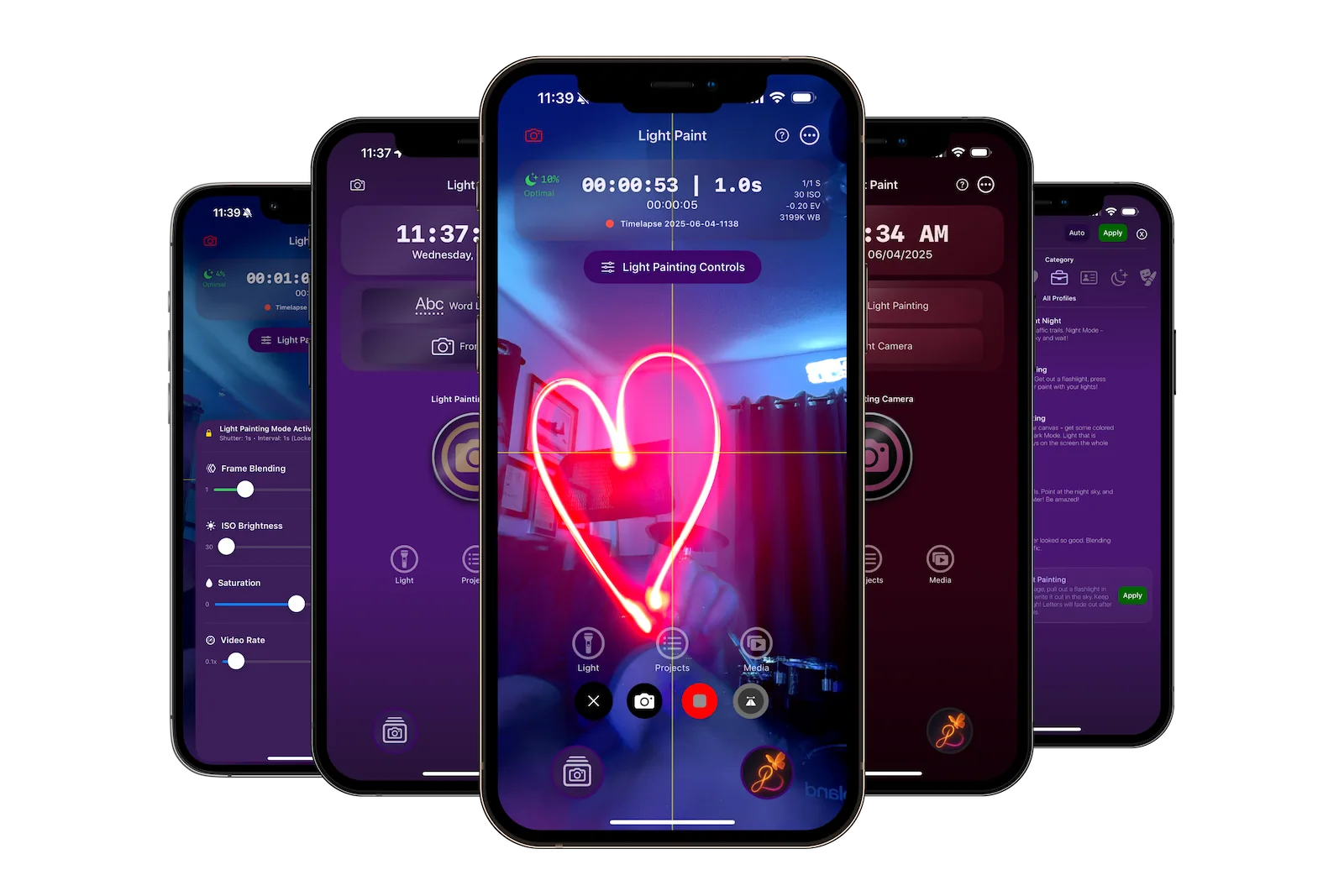
See Light Paint App in Action
Watch this quick introduction to see how easy light painting can be
Start Here
New to light painting? Begin with our getting started guide for a quick introduction
New to Light Paint App?
Start with our quick getting started guide to learn the app basics and create your first light painting in just 5 minutes.
All Guides
Comprehensive tutorials for every feature in Light Paint App
Getting Started
Beginner5 min
Your first steps with Light Paint App. Learn the basics of light painting and how to use the app's simple interface.
Read Guide
Light Painting Basics
Beginner10 min
Create your first light painting with simple movements and basic light sources. Perfect for absolute beginners.
Read Guide
Simple Timelapses
Easy8 min
Learn how to create beautiful timelapse videos with automatic settings and one-tap recording.
Read Guide
Photo Capture
Easy6 min
Take stunning photos with light effects using the simple photo capture mode.
Read Guide
Siri Commands
Beginner5 min
Control Light Paint App hands-free with voice commands. Start, stop, and switch profiles using Siri.
Read Guide
Complete User Manual
Intermediate45 min
Comprehensive guide covering every feature, from basic controls to advanced techniques and troubleshooting.
Read Guide
Need More Help?
Check out our FAQ section or contact our support team for personalized assistance.